Referrals
Share Hamster Studio with others using your personal referral code or link.
Overview
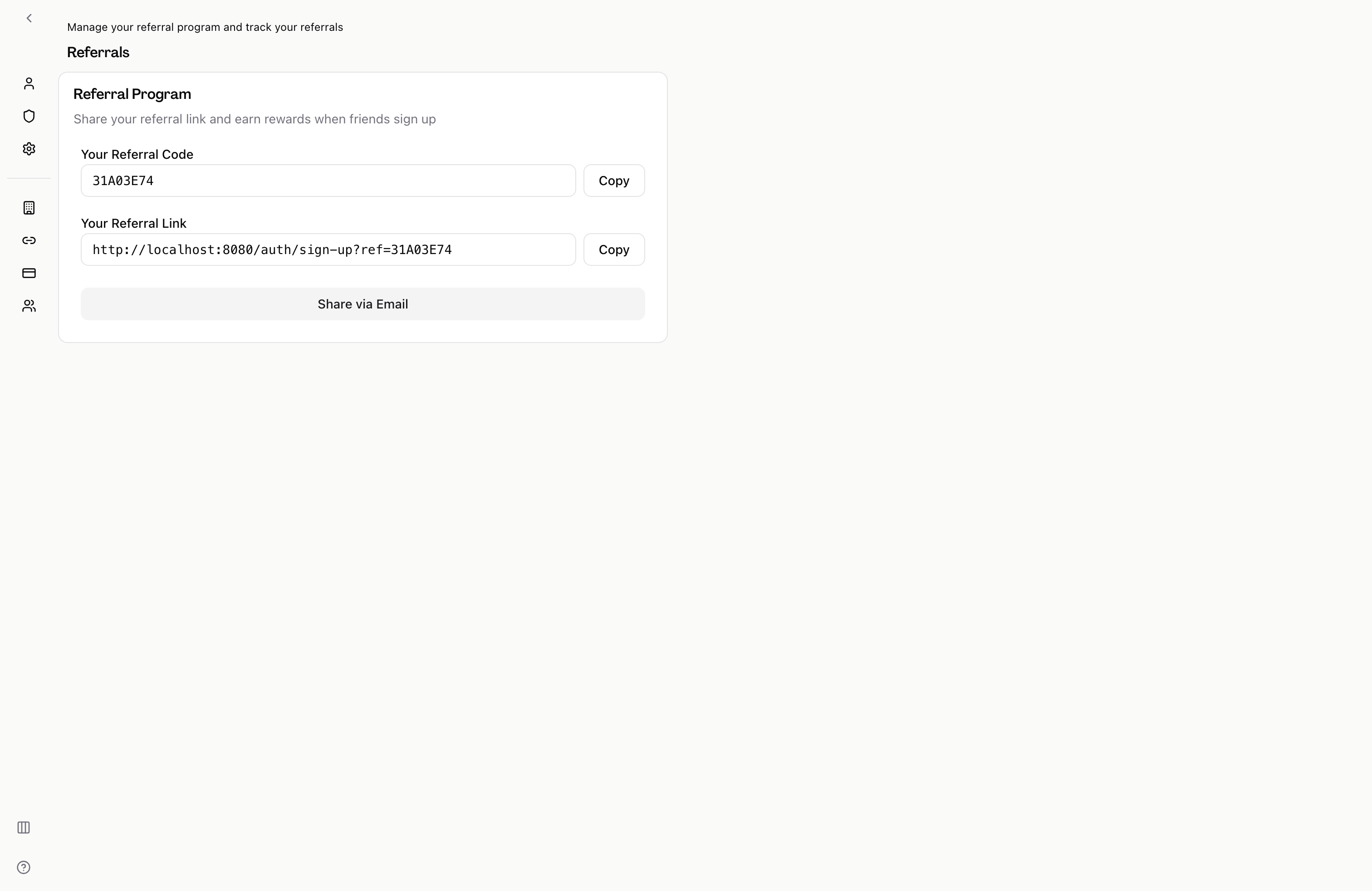
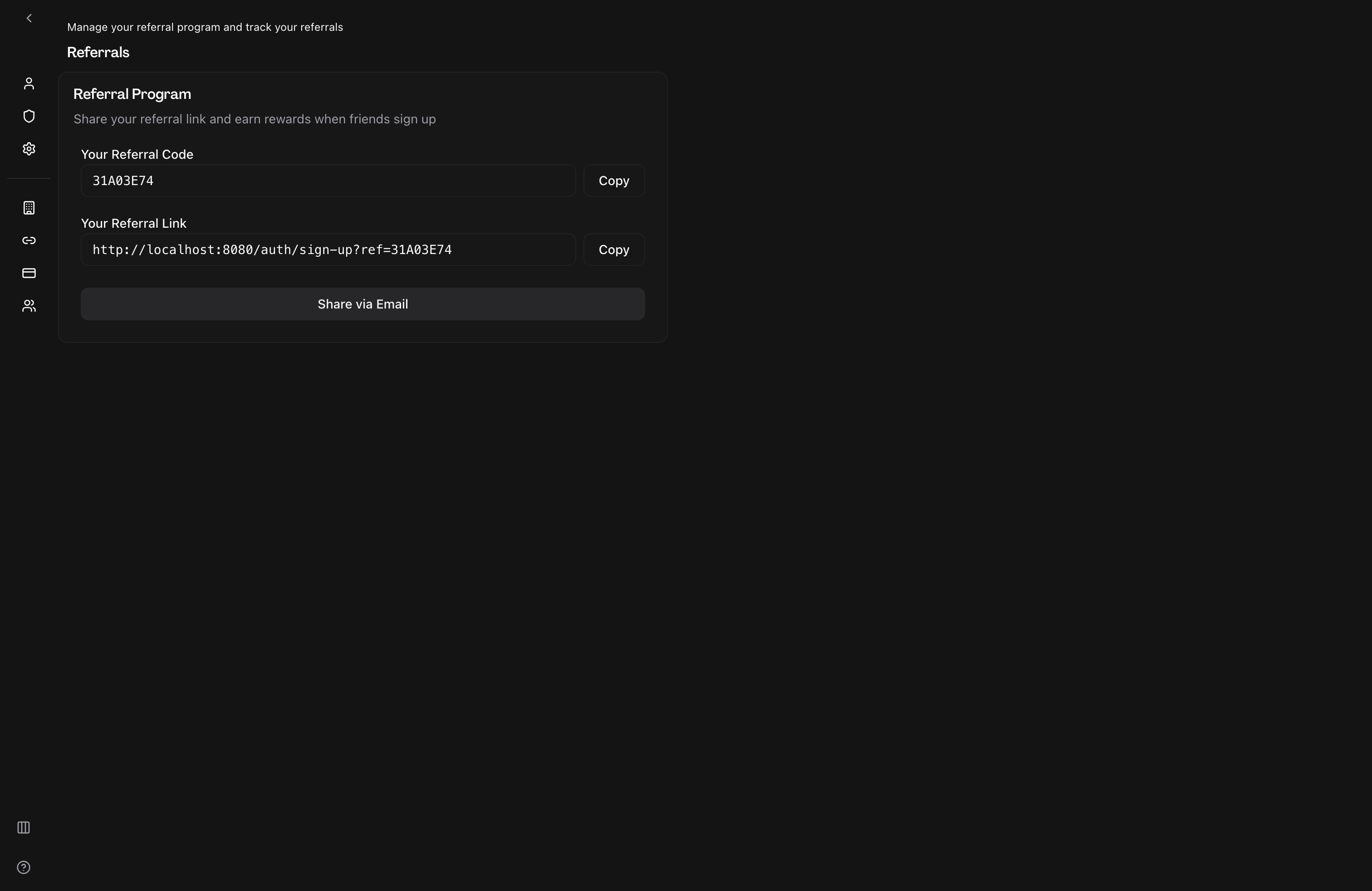
The Referrals section gives you a unique referral code and shareable link tied to your account. When someone signs up using your link, Hamster can attribute that signup to you — enabling referral rewards or tracking as the program develops. You can copy the link directly to your clipboard or share it via email with a pre-filled message.
How It Works
-
Open referrals — Navigate to the settings menu and select Referrals.
-
Find your referral code — Your unique referral code appears in the first field. It is derived from your account and does not change.
-
Copy your referral link — Your full referral link (which includes your code as a query parameter) appears in the second field. Click "Copy" next to either field to copy the value to your clipboard. A confirmation message appears when the copy succeeds.
-
Share via email — Click "Share via Email" to open your default email client with a pre-filled subject and message body that already includes your referral link. Edit the message as needed before sending.
Key Capabilities
- Unique referral code: A short, uppercase code tied to your account. You can share the code on its own or embedded in the full referral link.
- Full referral link: A complete URL you can paste anywhere — a Slack message, a document, a social post. Anyone who visits it and signs up is connected to your referral.
- One-click copy: Copy either the code or the full link to your clipboard with a single click.
- Email sharing: Open your email client with the subject and body pre-filled so sharing takes a few seconds.
Tips
- The referral link works on the sign-up page. Share it with people who don't yet have a Hamster Studio account.
- If you prefer to share the code rather than the full URL, send the code and direct the recipient to the sign-up page — they can enter your code in the referral field during registration.
- Sharing via the built-in "Share via Email" button also records the share event so Hamster can track your referral activity accurately.