Preferences
Adjust how Hamster Studio looks and behaves for you personally.
Overview
Preferences let you customize the Hamster Studio interface to suit how you work. Settings you change here apply only to your account — they don't affect what other team members see. Preferences include your choice of interface theme, which side chat sits on (left or right), and whether mention notifications also reach you by email.

How It Works
-
Open preferences — Navigate to the settings menu and select Preferences.
-
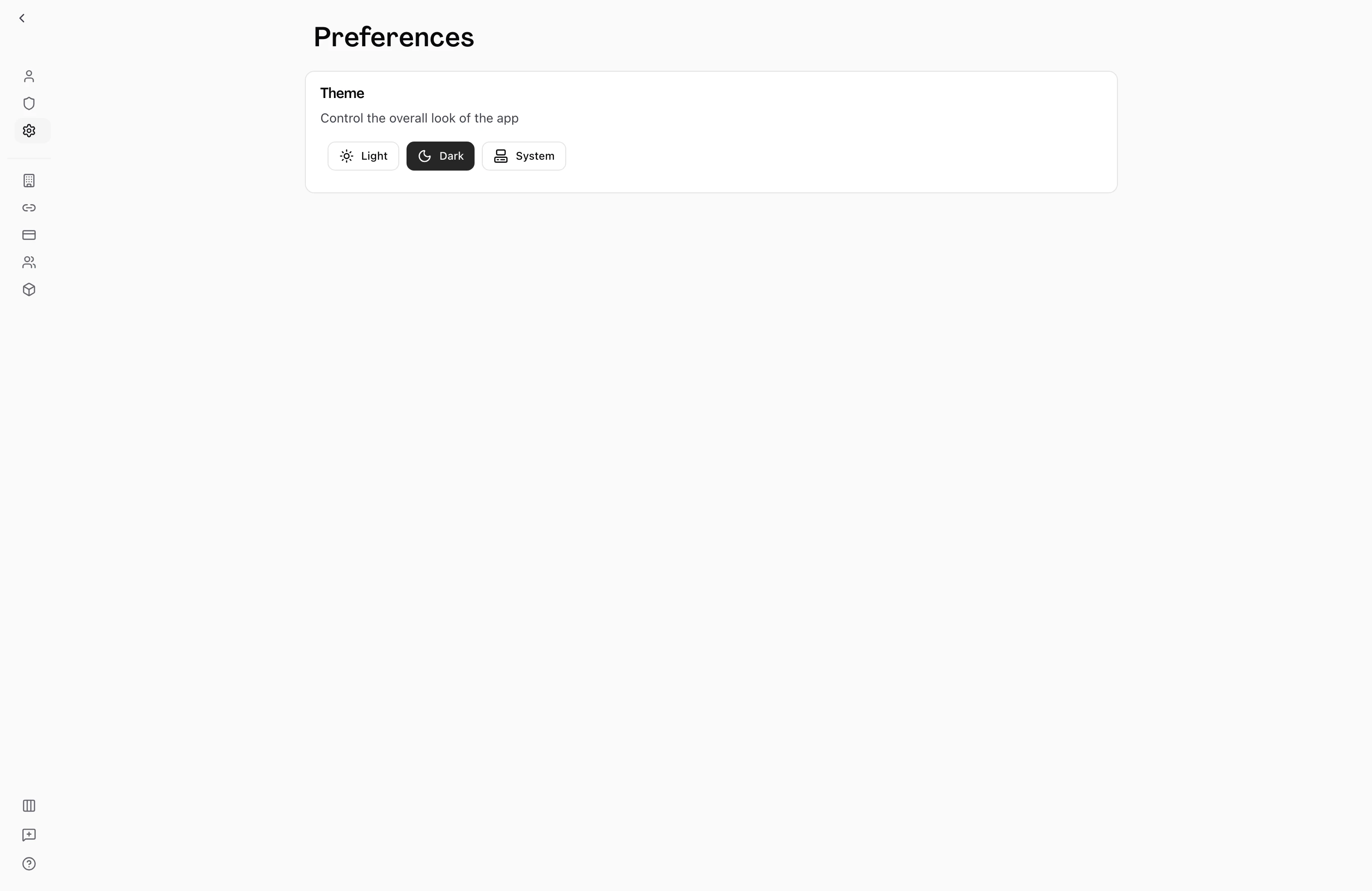
Choose a theme — The Theme section presents three options: Light, Dark, and System. Click the button for the theme you want to use. The change applies immediately — there is no save button.
-
Choose a chat position — In the Chat position card, pick Left or Right to pin chat to that side when it's docked or floating. The change applies immediately, and the Chat Left / Chat Right item in the sidebar's Display menu switches the same setting.
-
Choose mention emails — In the Notifications card, turn the Email switch on or off for each kind of mention.
Theme Options
| Option | What it does |
|---|---|
| Light | Uses a light background with dark text throughout the interface. |
| Dark | Uses a dark background with light text throughout the interface. |
| System | Follows your operating system's current appearance setting, switching automatically when you change it at the OS level. |
Mention Notifications
The Notifications card lists two kinds of mention notification and the channels each one uses:
| Notification | In-app | Slack | |
|---|---|---|---|
| Mentions from teammates | On | On | On by default |
| Mentions from Hamster | On | On | Off by default |
Mentions from teammates covers a workspace member mentioning you. Mentions from Hamster covers Hamster mentioning you in its own replies.
Only the Email switches can be changed, and they're saved per workspace. The Slack column appears only when your workspace has the Slack connection installed.
With Email on, Hamster emails the address on your account when that kind of mention reaches you. If you're active in the thread when the mention is delivered, Hamster skips both the email and the in-app notification.
Tips
- "System" is the recommended option for most users — it matches your OS preference and switches automatically between day and night without any manual action.
- If you work in a shared environment (e.g., presenting from your screen), switching to Light mode temporarily makes the interface easier to read on a projector or in a bright room.
- Your theme choice is stored with your account. If you sign in from a different browser or device, Hamster will apply your saved preference there too once the page loads.