Creating a Team
Create a shared workspace that your colleagues can join to work on projects and Briefs together.
Overview
A team in Hamster Studio is a shared workspace with its own members, projects, Briefs, and settings. When you create a team you become its owner, which means you have full control over membership, settings, and the workspace itself.
You can belong to multiple teams at once. Switching between teams and your personal account is instant from the sidebar.

How It Works
- Open the workspace switcher — Select your current workspace name in the sidebar or header. A dropdown shows your personal account, any teams you already belong to, and an option to create a new team.
- Select "Create a new team" — A dialog opens asking for a team name.
- Enter a team name — Names must be between 2 and 50 characters and cannot contain special characters like
!,@,#, or similar. A small number of reserved names (for example, "settings") are not allowed. - Confirm — Select the button to create the team. You are redirected into the new team workspace immediately.
You are automatically added as the owner. From there you can invite colleagues, set up your profile, and start creating.
Key Capabilities
- Immediate access: You land in the new workspace straight away — no approval steps or waiting.
- Owner role on creation: The person who creates the team is always its primary owner and cannot be removed by other members.
- Multiple teams: You can create and belong to as many teams as your Plan allows.
- Personal account stays separate: Creating a team does not affect your personal workspace. Briefs, conversations, and settings remain independent.
Tips
- Choose a team name that is recognizable across your organization. It becomes part of the workspace URL and is visible to everyone you invite.
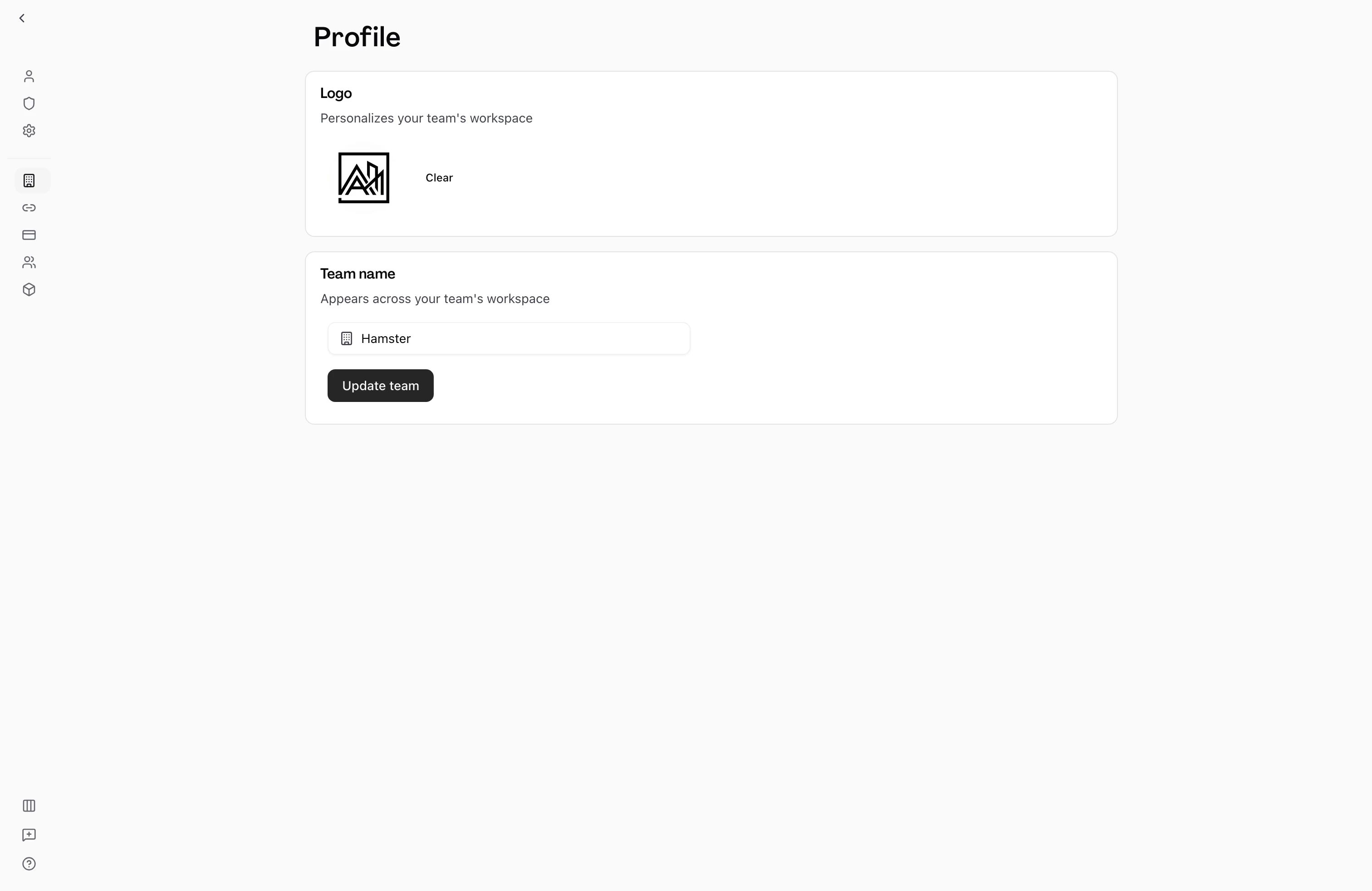
- You can rename the team later from the Team Profile page without losing any existing work.
- If you are the first person setting up your organization in Hamster Studio, create the team before inviting colleagues so they join a workspace that is ready to use.